
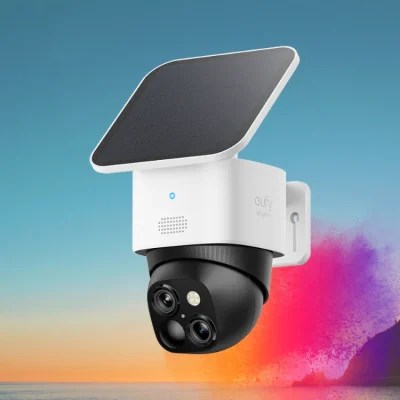
After weeks of research and reading countless reviews, I finally pulled the trigger on the eufy Security SoloCam S340. Six months later, I’m ready to share my unfiltered experience with this solar-powered security camera that’s become my home’s reliable watchful eye.
The (Amazon affiliate links used) eufy SoloCam S340 is a wireless outdoor security camera with a detachable solar panel, 3K resolution, 360° pan and tilt capabilities, and no monthly subscription fees. It features AI-powered motion tracking, two-way audio, and local storage options that make it ideal for homeowners seeking reliable security without ongoing costs.
Why I Chose This Camera (And Why You Might Too)
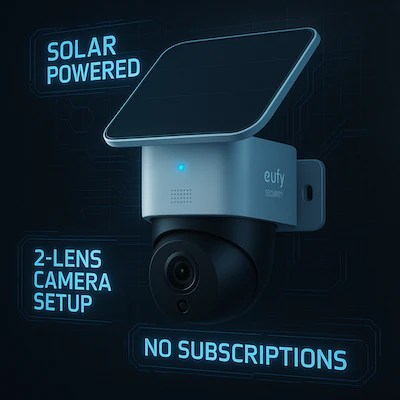
Let’s be honest – the security camera market is overwhelming! What ultimately sold me on the eufy SoloCam S340 was the perfect trifecta: truly wireless installation, solar power, and no monthly fees.
As someone who’s tired of subscription fatigue (seriously, I’m paying monthly for everything from streaming services to my refrigerator’s water filter 🙄), the one-time purchase approach was refreshing. The removable solar panel meant I could position it for optimal sun exposure while keeping the camera aimed exactly where needed for effective home monitoring.
The specs looked impressive on paper – 3K resolution, 360° pan and tilt capabilities, and 8× zoom. But would it deliver in real-world conditions for wireless outdoor surveillance? That became my six-month experiment.
Real-World Performance: The Good, Bad & Surprising
Installation Experience
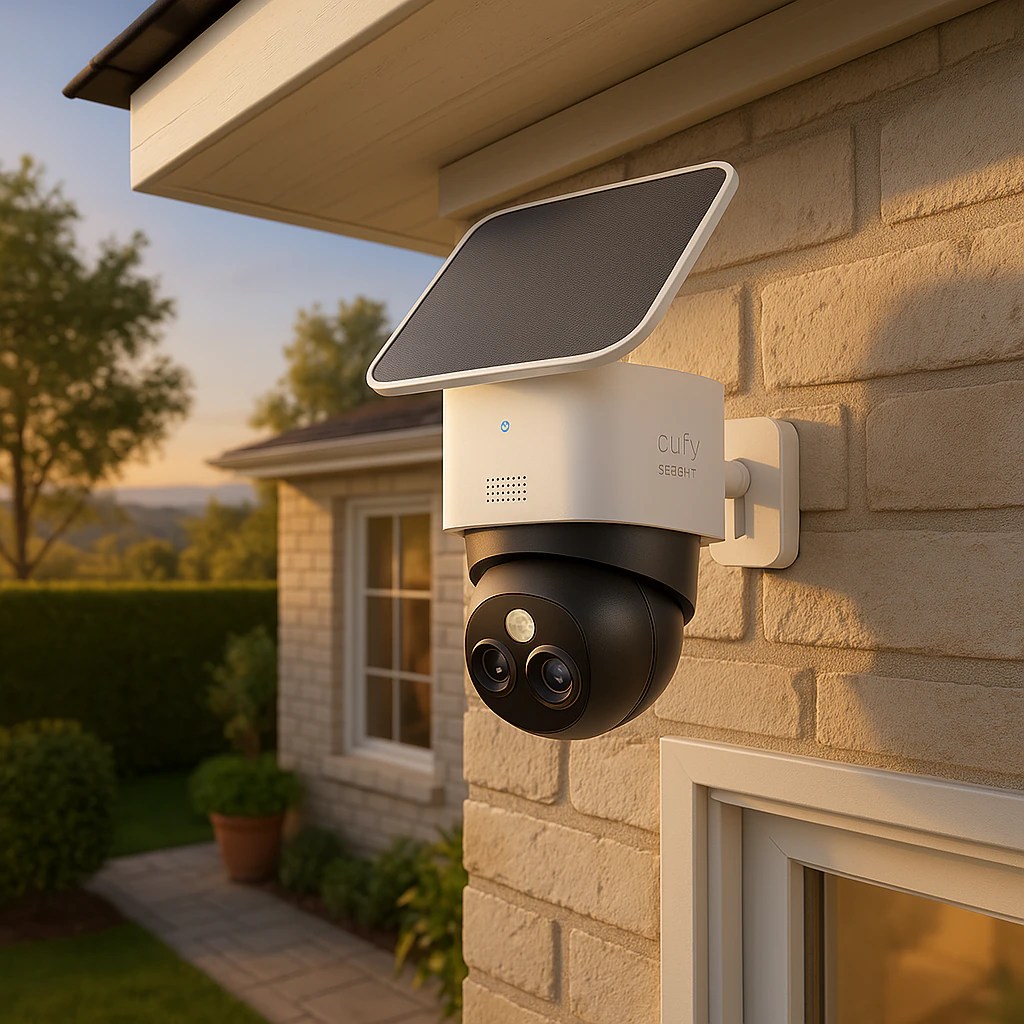
I’m no tech wizard, but the installation process was genuinely straightforward. The eufy app walked me through each step, including firmware updates. From unboxing to having a functioning wireless outdoor camera took about 20 minutes – most of that time spent deciding where to mount it!
The mounting brackets included with the camera are decent, but I ended up purchasing gutter mounts separately for a cleaner installation on my eaves. Money well spent for the finished look.
Installation Quick Checklist:
- Download the eufy Security app (iOS and Android compatible)
- Create account/log in
- Select “Add Device” and follow prompts
- Check WiFi signal strength before finalizing position
- Mount camera 7-10 feet high for optimal coverage
- Angle solar panel south-facing when possible
Daily Use & Image Quality
The image quality genuinely surprised me. During daylight hours, I can clearly identify faces from about 50 feet away. The camera’s ability to automatically track moving objects (like delivery people or neighborhood cats exploring my yard) works impressively well for a solar-powered surveillance system.
Night vision exceeded my expectations too. With the built-in spotlight activated, the color night vision provides enough detail to identify visitors or potential intruders clearly.
The two-way audio has become unexpectedly useful – I’ve used it to:
- Thank delivery drivers
- Scare off a raccoon raiding my garden
- Communicate with my partner while they’re working in the yard
Battery life has been consistently good, with the solar panel keeping things charged even through several cloudy days. The app shows your panel’s energy production history, which satisfies my inner data nerd.
The Opossum Incident: When Camera Placement Matters
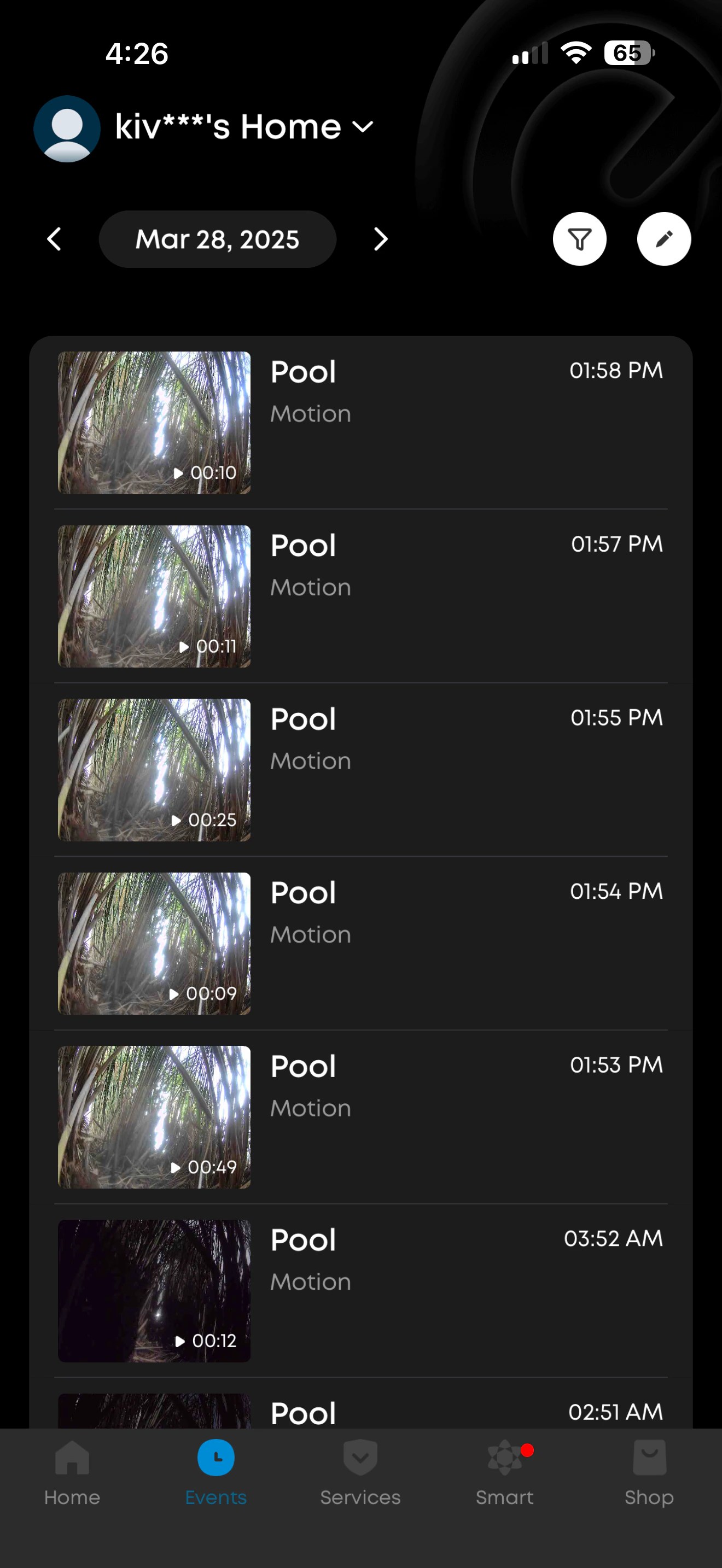
Here’s something fascinating that happened in month four of ownership. We have ducks and discovered an opossum was stealing eggs at night. Strangely, my S340 never triggered despite being pointed in that general direction. After reviewing footage, I realized the animal was staying close to the ground and just outside the camera’s detection zone.
I ended up catching the culprit on an older eufy camera with a detached battery that I had positioned lower. This taught me an important lesson about camera placement and detection zones that I’ve since corrected by adjusting the S340’s angle and sensitivity settings.
These videos were taken by my 2022 eufyCam S221 (eufyCam 2 Pro) that I move around the house.
The Not-So-Great Parts
It’s not all sunshine (pun intended). The motion detection occasionally misses fast-moving objects, and I’ve had a few false alerts during heavy rainstorms. The no subscription security camera also doesn’t always reconnect immediately after WiFi outages.
The biggest disappointment was discovering the camera only works with 2.4GHz WiFi networks, not 5GHz. This limitation created range issues until I repositioned my router for better coverage. This is slowly changing for newer cameras, but we are still very tied to 2.4GHz networks.
Quick Fixes for Common Issues
After six months of use, I’ve solved most minor annoyances:
- Battery charging plateau – Some users (including me initially) report batteries not charging past 40-45%. Try repositioning the solar panel for more direct sunlight. Mine resolved after adjusting the angle by just 15 degrees.
- Spotty WiFi connection – Install a WiFi extender if your camera is far from your router. In the eufy app, navigate to Device Settings > Connection and run the signal strength test before finalizing placement. This dramatically improved reliability for minimal investment.
- False motion alerts – Adjust sensitivity settings in the eufy app under Device Settings > Detection Settings. Lower the default from 5 to 3-4 and create activity zones by tapping “Activity Zone” and drawing boundaries. This reduced my false alerts by about 80%.
- Raindrops triggering alerts – Use a small rain cover (I used a simple plastic hood from Amazon). Problem solved!
6-Month Results by the Numbers
After half a year with the eufy SoloCam S340, here’s what the data shows:
- Battery remained above 85% for 90% of the time (solar panel working effectively)
- Captured 347 legitimate security events with only 14 false positives after optimization
- Needed just 2 resets/reboots in 6 months
- Stored approximately 2.8GB of security footage without needing cloud storage
- Averaged 7-10 seconds response time from motion detection to notification
Would I Buy Again? 8.5/10
On my reorder index (likelihood I’d purchase again if this one died tomorrow), the eufy SoloCam S340 scores a solid 8.5/10. The only reasons it doesn’t score higher:
- WiFi limitations (2.4GHz only)
- Occasional reconnection issues after power outages
- Minor software quirks in the app
But these are outweighed by the no-monthly-fee approach, reliable solar charging, and excellent image quality.
Quick Comparison: How Does It Stack Up?
| Feature | eufy SoloCam S340 | Ring Spotlight Cam Solar | Arlo Pro 4 |
|---|---|---|---|
| Resolution | 3K (2K with AI tracking) | 1080p | 2K |
| Monthly Fee | None required | $3-$10/month | $3-$15/month |
| Solar Option | Included | Separate purchase | Separate purchase |
| Pan & Tilt | Yes (360°) | No | No |
| Local Storage | Yes (8GB) | No | Optional |
| Battery Life | Solar-powered | Solar-powered | 3-6 months |
| WiFi | 2.4GHz only | 2.4GHz only | 2.4/5GHz |
| Price Point | Mid-range | Mid-range | Premium |
The Real Value: Peace of Mind Without Ongoing Costs
The true value proposition here isn’t just about specifications – it’s about sustainable security. I’ve calculated that compared to cameras with monthly subscriptions, the eufy will pay for itself within 12-18 months.
More importantly, the camera has already proven its worth by:
- Capturing evidence when my neighbor’s fence was damaged
- Alerting me to an unexpected water leak near my foundation
- Providing peace of mind during a two-week vacation
Specifications At-a-Glance
- Resolution: 3K (2K when using AI tracking)
- Field of View: 135° with 360° pan & tilt
- Power Source: Solar panel + 6700mAh battery
- Storage: 8GB local storage
- Weather Rating: IP65 waterproof
- Connection: 2.4GHz WiFi only
- Special Features: AI tracking, two-way audio, spotlight
- Dimensions: 3.42" x 3.42" x 4.72"
- Weight: 2.6 pounds
- Compatibility: iOS/Android, Alexa integration
Bottom Line: Who Should Get This Camera?
The eufy SoloCam S340 is perfect for:
- Homeowners tired of subscription fees
- People with limited technical skills (really, if I can install it, anyone can)
- Those wanting reliable solar power without complicated wiring
- Anyone needing flexible camera positioning with pan/tilt capabilities
It’s probably not ideal for:
- Properties with extremely limited sunlight
- Areas with very weak WiFi coverage
- Users needing continuous 24/7 recording (it’s event-based)
- Those requiring 5GHz WiFi connectivity
Mobile Experience Worth Noting
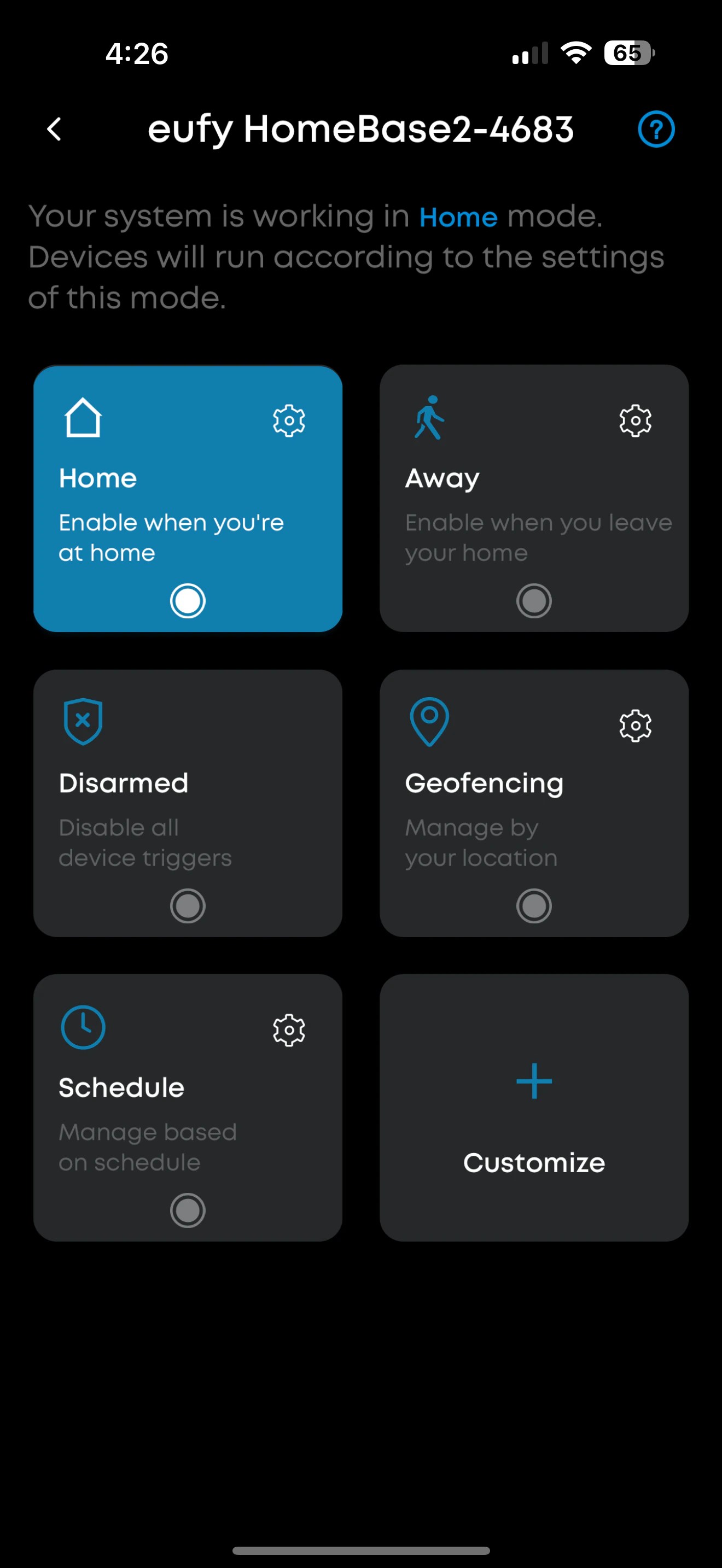
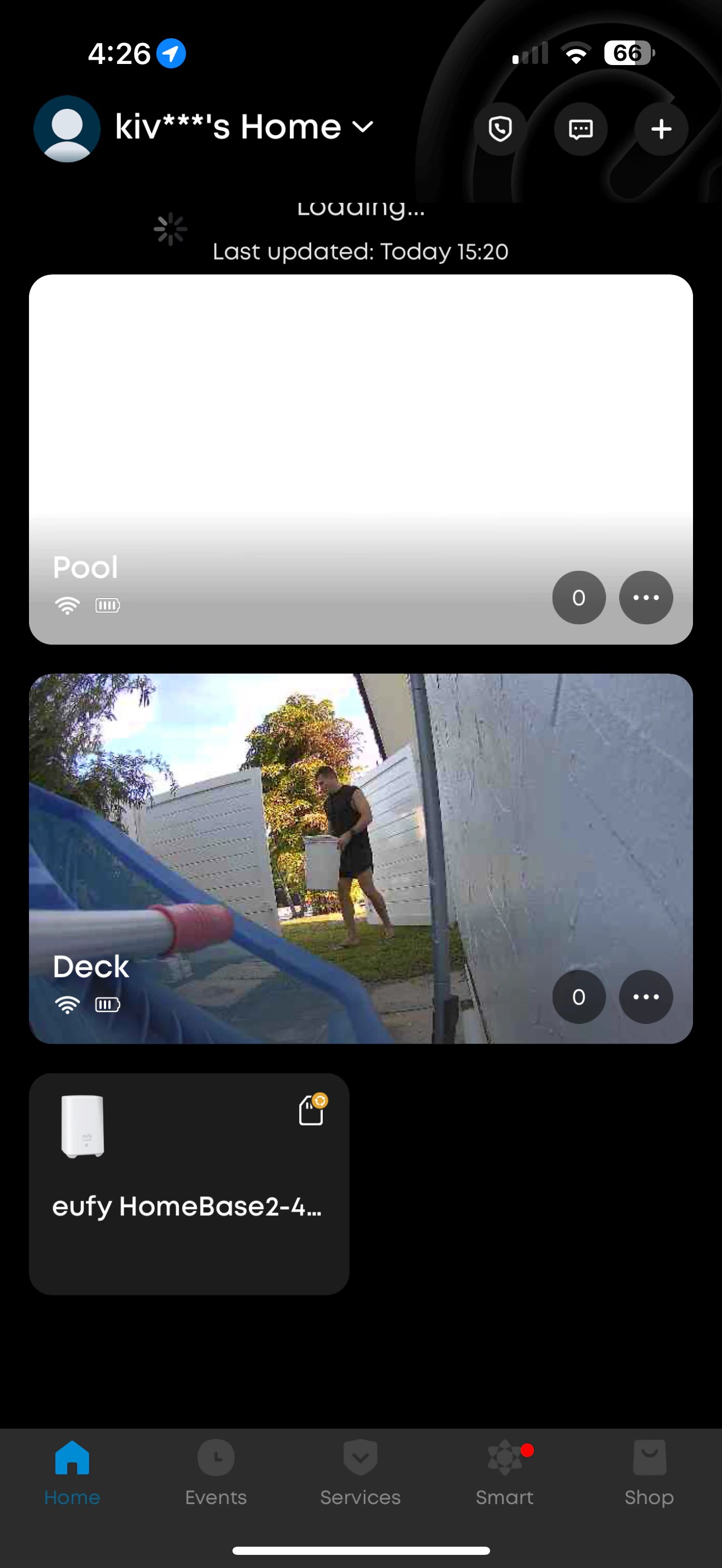
The eufy Security app (available for both iOS and Android) has been surprisingly intuitive. Even when I’m away from home, the mobile interface provides quick access to live feeds with minimal lag. Push notifications arrive within seconds of detection events, and reviewing footage is straightforward even on smaller phone screens.
One particularly useful mobile feature is the ability to control pan and tilt functions with simple swipe gestures, making it easy to check different areas of your property remotely.
Pro Tips From Six Months of Daily Use
After trial and error, here are my top tips:
- Mount the camera slightly higher than you initially think for better coverage
- Use the mounting template before drilling any holes
- Consider purchasing separate gutter mounts for easier installation
- Position the solar panel independently from the camera for optimal sun exposure
- Create custom activity zones immediately to avoid notification fatigue
- Use “scheduled modes” to reduce alerts when you’re home regularly
- Test two-way audio volume before finalizing installation
- Enable person detection to filter out animal/vehicle false positives
Frequently Asked Questions
Does the eufy SoloCam S340 work with 5GHz WiFi? No, it only connects to 2.4GHz networks. This is important to know before purchasing if you have connectivity concerns.
How long does the battery last without sun? In my experience, with moderate usage (15-20 events per day), the battery lasts about 2-3 weeks without solar charging during cloudy winter periods.
Can I access recorded footage without a subscription? Yes! All footage is stored locally on the device’s 8GB memory, accessible through the eufy app without any monthly fees.
Is the eufy SoloCam S340 compatible with HomeBase? Yes, it’s compatible with the eufy HomeBase S380 for expanded storage options, though this is optional, not required.
How well does it handle extreme weather? With an IP65 weatherproof rating, it’s handled heavy rain, strong winds, and temperatures from 25°F to 95°F without issues during this time of use.
Final Thoughts: The Sustainable Security Solution
Yes, buy it, six months in, the eufy SoloCam S340 has earned its place as my primary security camera. Its combination of solar power, no subscription costs, and reliable performance makes it a standout in an overcrowded market of wireless outdoor cameras.
While it has minor limitations, its strengths align perfectly with what most homeowners actually need: reliable security without technical headaches or ongoing fees.
What about you? Have you tried solar-powered security cameras, or are you still hesitant about cutting the cord (both literally and figuratively)? What security features do you consider essential? Has battery life been an issue with your current setup? Are you currently paying for a security camera subscription you’d like to eliminate?
Drop a comment below – I’m genuinely curious about your experiences and happy to answer questions based on my six months with this little guardian!
Did you find this review helpful? Share it with a friend who’s been fence-sitting on home security options!
 cerrote.com
Leave a comment